Scan it, the price lands, the total follows. No hunting through a list, no mental arithmetic at the rush hour.
Every receipt decrements the stock of that shop. By closing time the theoretical count is already done.
A regular pays later: the sale goes to their wallet and the balance shows on their next visit.
What you can do with it
Full-screen basket, instant search, USB scanner or camera. A product with variants takes two taps.
Cash, mobile money, card, customer wallet — or several at once on the same sale.
Change due is broken down into the notes and coins of the shop’s currency. One counting error fewer.
A return is entered from the original receipt: stock comes back, the credit note is issued, the drawer is adjusted.
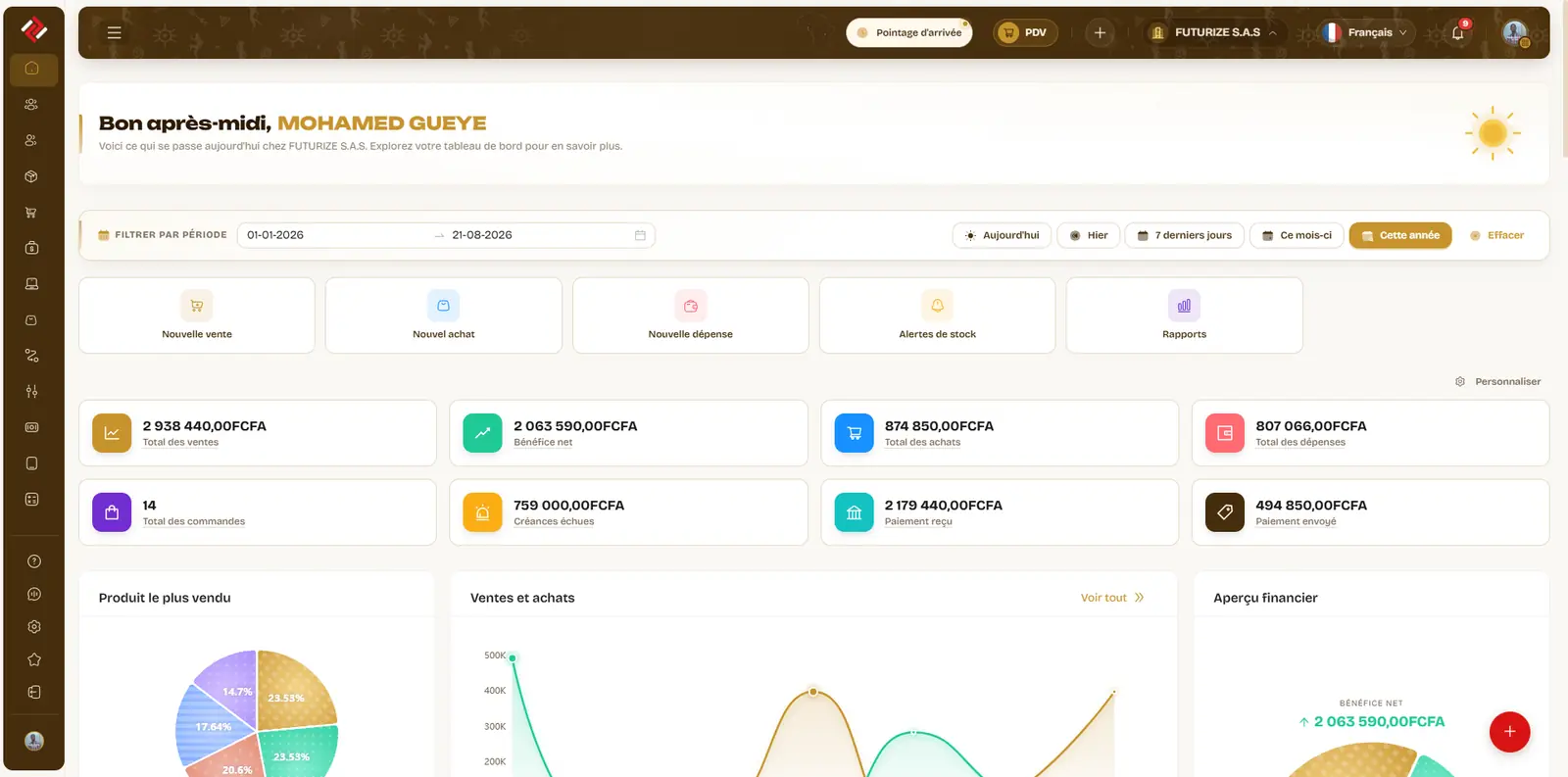
Each point of sale sells from its own warehouse. The figures consolidate with no re-keying.
Print to a thermal printer, or send the receipt to the customer over WhatsApp or email.
How it works
-
01
Open the till
The clerk signs in, picks their point of sale and declares the opening float.
-
02
Trade the day
Scan, take payment, print. Credit sales go to the customer’s wallet.
-
03
Close and compare
At close, the counted amount meets the expected amount. The gap is a number, not a guess.
What the module includes
- POS checkout
- Cash and bank reports
- Payment methods
- Purchases, sales and returns
- Point of sale (POS)
- Stock transfers
Built for the counter here
Mobile money is a payment method in its own right, not an "other" box. A regular’s tab is a tracked balance, not a line in a notebook. And local selling units — the 50 kg sack, the carton of 24, retail out of a bulk pack — are declared on the product record.
Common questions
Do I need special hardware?
No. The till runs in a browser, on a computer, a tablet or a phone. A USB barcode scanner and a thermal printer speed up the counter, but nothing is required to start.
What if the connection drops?
The app shows a dedicated screen rather than a blank page, and picks up where you left off when the network returns. Check your connectivity before committing: the till needs a connection to record a sale.
Can I run several shops?
Yes. Each shop is a warehouse: it has its own stock, its own till and its own reports, and you see the consolidated view from the dashboard.
Can the clerk see my margins?
No, unless you decide otherwise. Roles and permissions are set screen by screen: a clerk can take payments without ever reaching purchase prices, reports or settings.